Creating cinematic male model portraits is a lot more accessible than it used to be. Google Gemini AI gives artists and photographers a genuinely powerful way to get there — and with the right Google Gemini AI prompts, building cinematic male model portraits becomes almost effortless.
The image quality you can pull out of it is honestly impressive. These aren't flat, generic shots — they carry that cinematic photography feel, the kind of look that usually takes a full lighting setup and a lot of patience.
What's nice is how much room there is to play. You can bounce between styles and effects without much friction, and the tool stays approachable whether you've been doing this for years or you're just starting out.
Think dramatic lighting, considered composition, all of it dialed in with a handful of prompts. That's the appeal of Google Gemini AI in a nutshell.
The way it handles different photographic techniques is part of what makes it stand out — even fairly layered or complex prompts come back looking coherent.
If you're a digital artist, a photographer, or just someone curious about AI tools, this is worth exploring. There's a lot to dig into with Google AI tools right now.
So let's get into it — cinematic male model portraits, courtesy of Google Gemini AI. Your next creative rabbit hole starts here.
What Makes a Portrait Cinematic?
Cinematic portraits have a certain pull to them — a dramatic quality that borrows heavily from film. A lot of that comes down to techniques lifted straight from cinematography, used to build mood and hint at a story.
Lighting, composition, and emotion all do a lot of heavy lifting. Each one adds another layer to the "scene." High contrast and a shallow depth of field show up constantly because they're so good at directing attention.
- Dramatic lighting and shadow play
- A strong, unmistakable focal point
- Real emotional weight or expression
- Composition that feels balanced, not accidental
- Backgrounds that add context rather than distract
Put all of that together and you get something closer to a frame from a film than a snapshot — an image that holds attention and actually means something. Worth keeping these elements in mind as you push your own portrait work further.
Why Use Google Gemini AI for Male Model Portraits?
Gemini brings a surprising amount of range to male model portraits. Artists get a wide creative playground, and the output quality holds up well against the kind of polish you'd expect from cinematic photography.
The feature set makes the whole process smoother — prompts can be shaped to land on a specific artistic style without much trial and error. Themes and personal vision translate into the final image more reliably than you might expect.
- High-resolution output that looks professional, not "AI-generated"
- An interface simple enough that prompt tweaking doesn't feel like a chore
- Solid simulation of various photographic techniques
Whether you're new to this or have years of experience, these features give you a lot to work with — a real boost for projects that lean on artistic style.
How to Use Google Gemini AI Prompts Effectively
Getting good results takes a little strategy — it's rarely just "type something and hope." Start with the artistic style you're picturing. What's the mood? What kind of lighting? What emotion are you going for? Like most Google AI tools, the clearer and more structured your request, the better the output tends to be.
Specificity really does matter here. Spell out textures, colors, settings — anything concrete helps the AI land closer to what's in your head. And don't underestimate experimentation; results tend to improve the more you play around.
- Blend different styles or themes together
- Pull from different cultural or historical references
- Push prompts toward realism on one end, or abstraction on the other
Keep refining and adjusting as you go. The more you work with Gemini, the more intuitive it becomes — and the more consistently cinematic your portraits will feel.
10 Google Gemini AI Prompts to Create Cinematic Male Model Portraits
Below are ten prompts built specifically for cinematic male model portraits — each one leaning on Gemini's strengths to produce a distinct look and mood. Some lean modern, some lean classic, but all of them are aiming for something with real visual weight.
What ties these together is Gemini's ability to explore a huge range of styles — dramatic lighting, atmospheric settings, the kind of detail that traditional photography sometimes takes hours (or a whole studio) to achieve. The magic really is in the small choices: color, light, context.
Treat these as starting points rather than fixed recipes. Each one is meant to spark something — and the results you get from experimenting with them will likely surprise you. Gemini's handling of lighting and depth of field means these portraits genuinely feel cinematic, not just "edited." The goal isn't just a nice picture; it's a picture that tells a story.
Precision pays off. The more detailed your prompt, the closer the output lands to what you actually pictured. Clarity isn't optional if you want consistent results.
Once you've generated something you like, don't stop there — run it through other editing tools, or share it in art communities for feedback. These ten prompts are really just a sampler of what's possible with Google Gemini AI. Dig in, and let each one take you somewhere a little different.
1. Urban Nightlife Cinematic Portrait
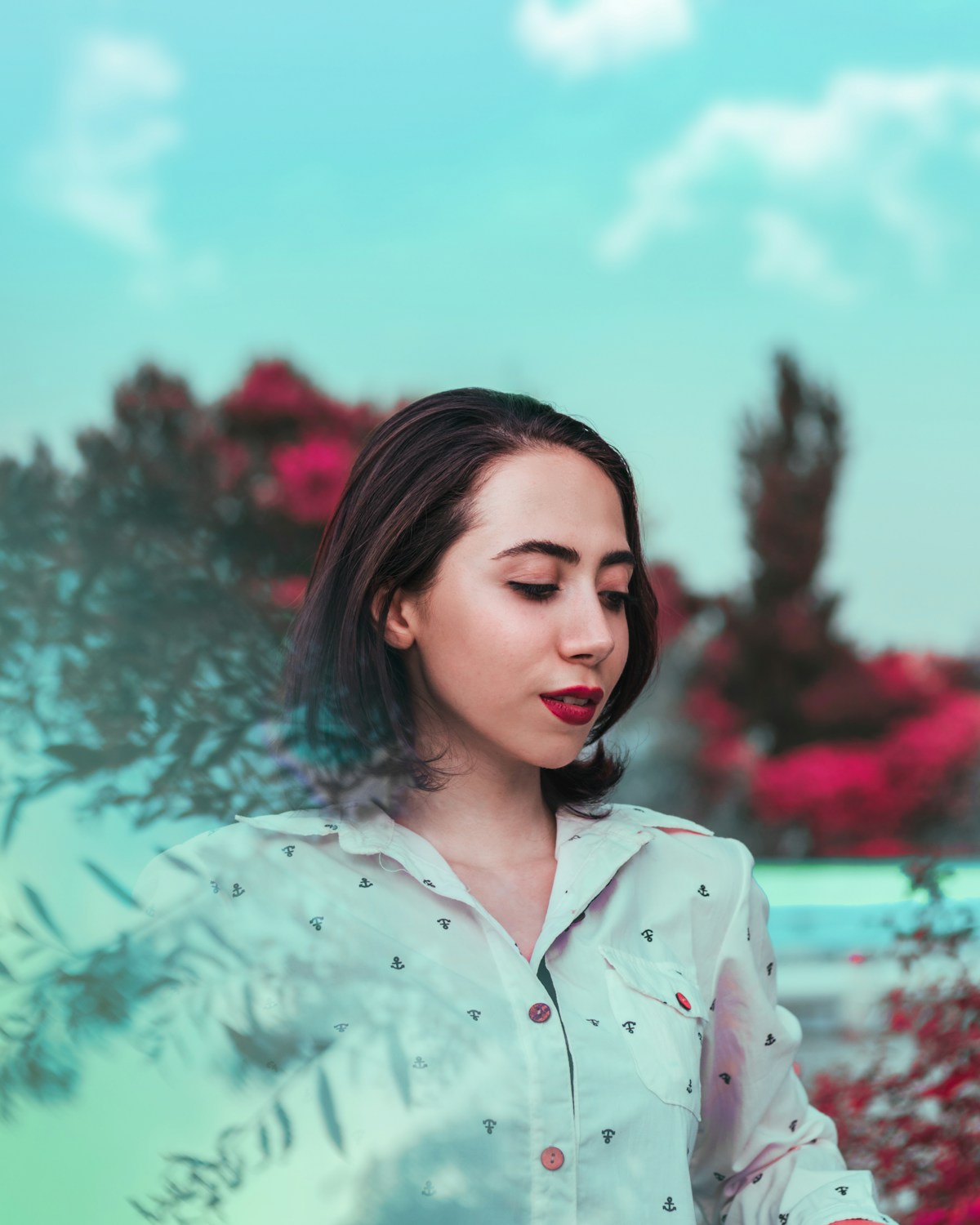
Picture a male model surrounded by the glow of a city at night — neon signs, wet pavement reflecting color, that restless energy nightlife brings. Lean into the drama and the vibrancy here.
2. Golden Hour Rooftop Shot
Now picture the opposite mood — soft, warm light from a setting sun spilling across a rooftop. This one's about quiet cityscapes and golden tones, perfect for something more introspective and tender.
3. Moody Studio Close-Up
A stripped-down studio setup with deliberate, low-key lighting can do wonders for facial detail and emotion. Push the shadows and highlights to build that moody, intimate atmosphere.
4. Neo-Noir Rainy Street Scene
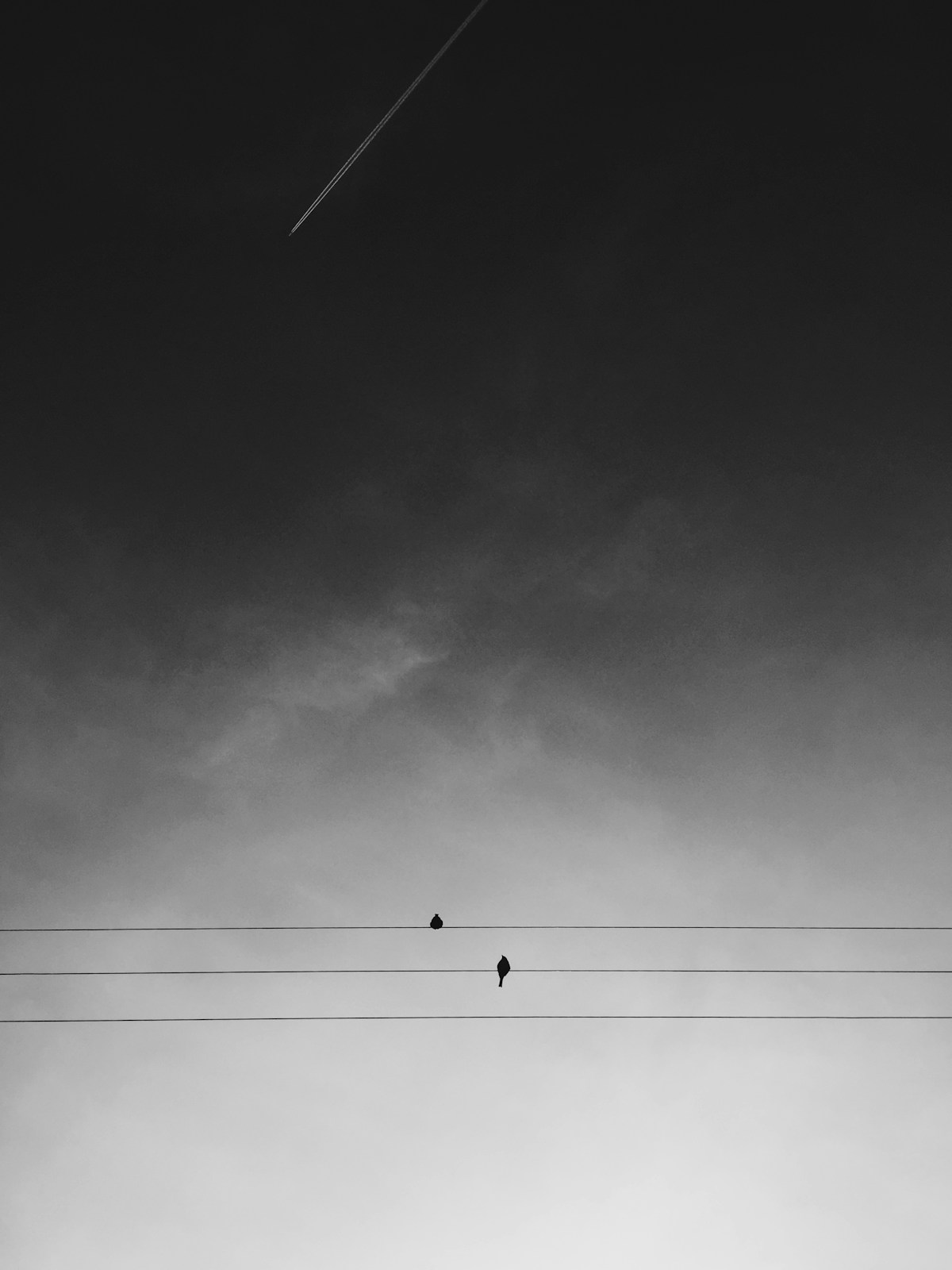
A solitary figure under a streetlamp, rain coming down — straight out of classic noir. Heavy contrast, mostly monochrome tones, and that lingering sense of mystery.
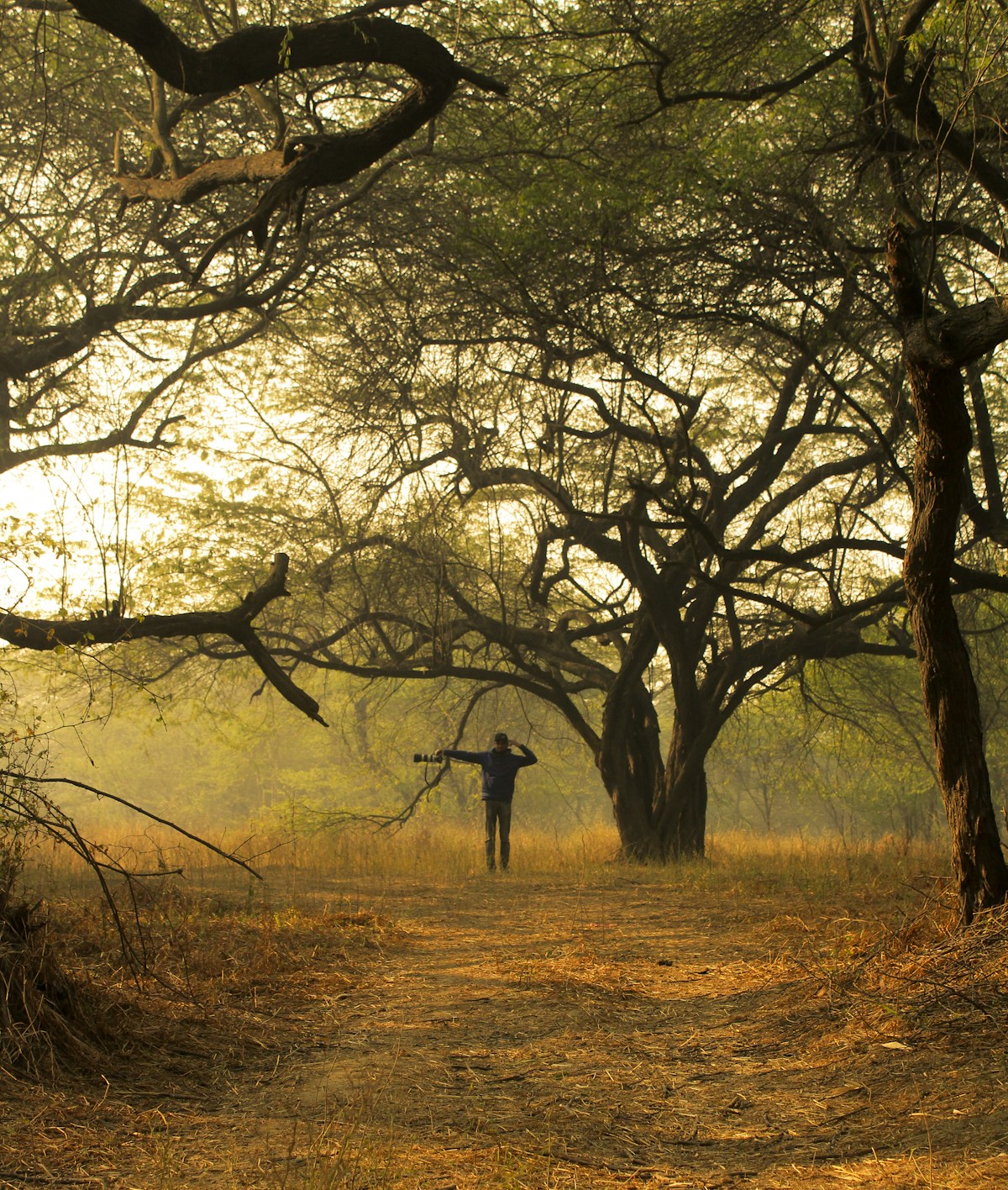
5. Fashion Editorial with Dramatic Lighting
Go bold with the lighting here — the kind that brings out texture and fabric detail in a way that feels editorial. High contrast helps the outfit and the styling really stand out.
6. Cinematic Low-Angle Power Pose
Shoot from below and the subject instantly feels bigger, stronger, more commanding. Pair it with a dynamic background for that larger-than-life effect.
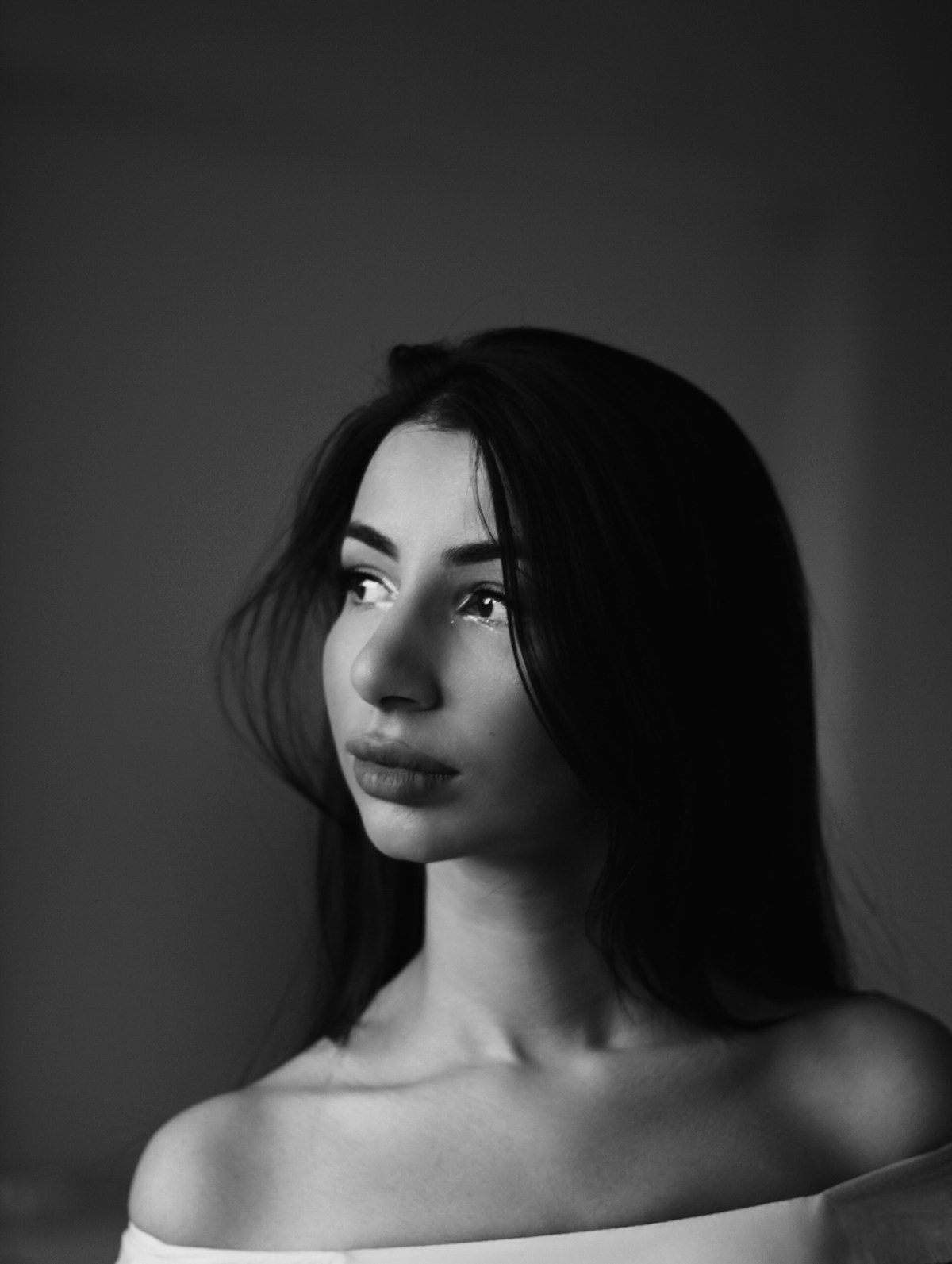
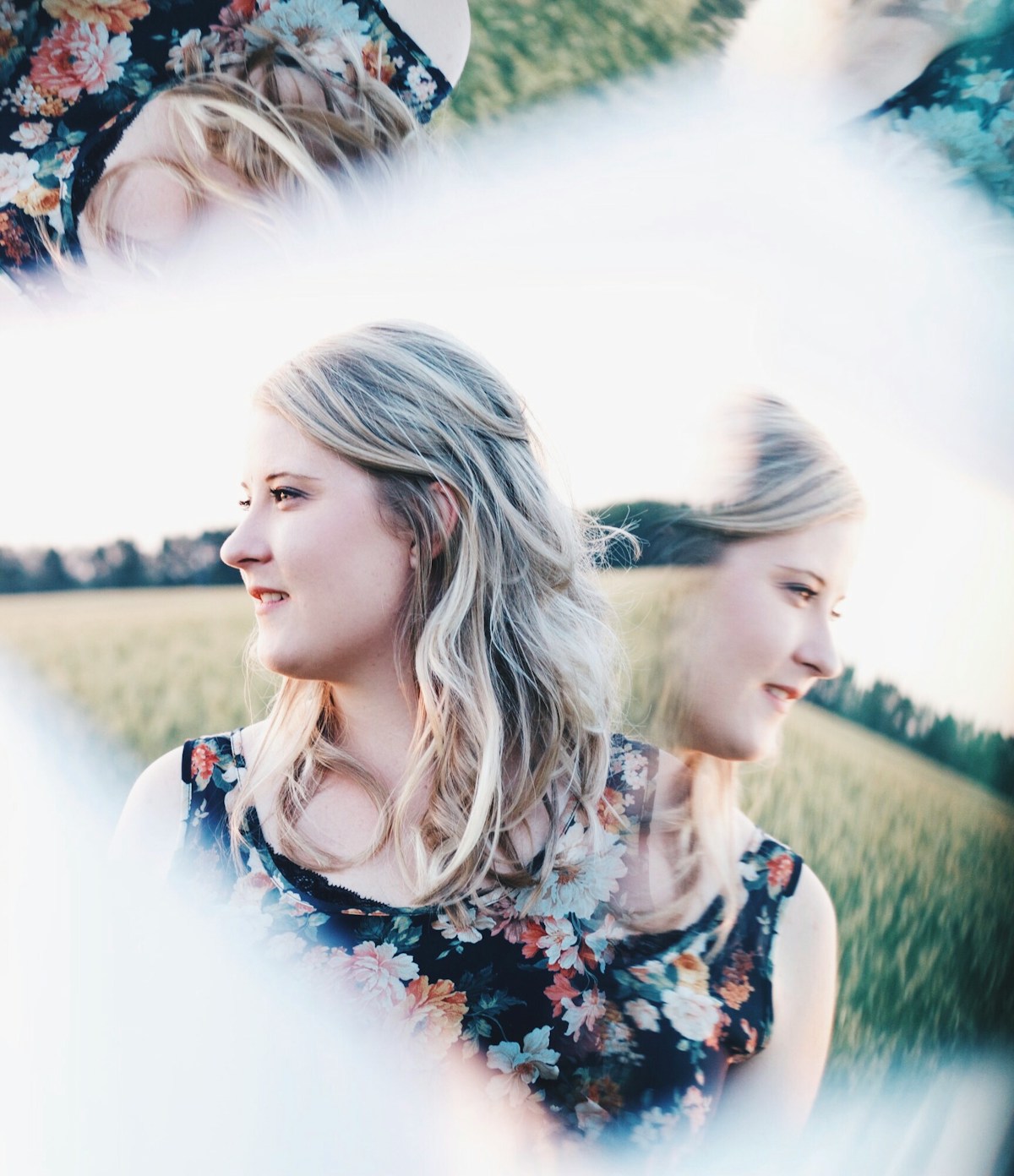
7. Double Exposure Artistic Portrait
For something more surreal, layer multiple exposures together — different scenes and emotions woven into one image. It's a great way to hint at a more complex, layered story.
8. Hyper-Realistic Outdoor Adventure
Bring in motion, texture, and a real sense of place with a high-definition outdoor setting. The goal here is realism that pulls the viewer into the scene rather than just observing it.
9. Classic Black and White Cinematic Shot
Strip away the color entirely for something timeless. Black and white leans hard on contrast and form, and it gives a portrait that classic, sophisticated cinematic edge.
10. Futuristic Tech-Inspired Portrait
Lean into neon, metallics, and clean minimalist lines for something that feels like it's from just slightly ahead of now — sleek, forward-looking, a little futuristic.
Tips for Customizing Your Prompts
Specificity is genuinely your best friend when working with AI prompts. The more precise your language, the closer the result tends to land to what you originally pictured.
- Mood and overall atmosphere
- Lighting conditions
- Stylistic influences you're drawing from
- Color schemes
- Specific settings or locations
Don't be afraid to experiment — even small wording changes can shift the output significantly. Let yourself try a few directions before settling on one.
Exploring Gemini Features for Creative Portraits
Gemini's feature set is part of what makes it such a strong tool for this kind of work. The underlying models bring artistic ideas to life with a level of realism and detail that holds up.
- High-resolution output
- A wide range of artistic style simulation
- Flexible customization across the board
These features give artists room to push boundaries — whether you're going for something classic or something that feels brand new, Gemini adapts to a pretty personal level of creative direction.
Final Thoughts: Elevate Your Art with Google AI Tools
Google Gemini AI has genuinely shifted what's possible for digital artists and photographers. The feature set opens up a lot of creative ground, and with the right Google AI tools, cinematic portraits that once took a full production crew are within reach for almost anyone.
Experimentation really is the key to getting the most out of it. Every new attempt sharpens your sense of what works. Lean into what Google Gemini AI offers, and see where your own creative instincts take it.
Q&A
What makes a portrait "cinematic"?
It comes down to borrowing techniques from film to build mood and tell a story. Think dramatic lighting and shadow, a clear focal point, real emotional expression, balanced composition, and backgrounds that add context. High contrast and controlled depth of field are the usual tools for guiding the eye and adding narrative weight.
Why use Google Gemini AI for male model portraits?
Because it delivers high-quality, high-resolution results through an interface that doesn't get in your way. It can simulate a wide range of photographic techniques, which makes it easier to hit specific themes, styles, and moods — useful whether you're just starting out or have plenty of experience chasing a cinematic look.
How do I write effective Gemini prompts for cinematic results?
Be specific and structured. Try to cover:
- Mood and atmosphere
- Lighting conditions (low-key, golden hour, neon, etc.)
- Stylistic influences and color schemes
- Textures, settings, and locations
Then experiment — mix styles, shift between realism and abstraction, and refine as you go.
What kinds of creative directions can I explore with the suggested prompts?
There's a fair amount of range, including urban nightlife with neon, golden-hour rooftop scenes, moody studio close-ups, neo-noir rainy streets, fashion editorials with dramatic lighting, low-angle power poses, double exposure artistry, hyper-real outdoor adventure, classic black-and-white elegance, and futuristic tech-inspired minimalism.
How can I keep improving my results over time?
Iterate often — tweak for clarity, add more precise visual detail, and test variations side by side. Try different cultural or historical backdrops, shift between realism and abstraction, and keep refining lighting and composition. Once you've got something you like, run it through other editing tools and share it with creative communities for feedback.
Build Perfect AI Portrait Prompts with ZETRAXAI →
Use ZETRAXAI to generate optimized prompts for Gemini, Midjourney, ChatGPT, and more — completely free.
Try ZETRAXAI Free